


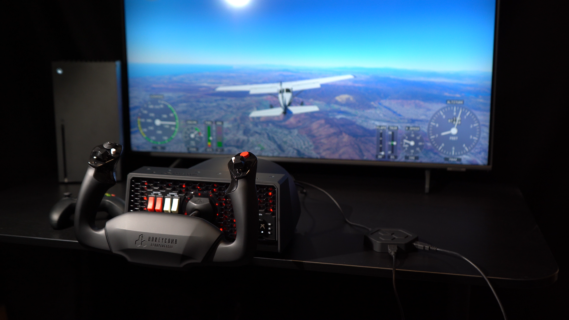
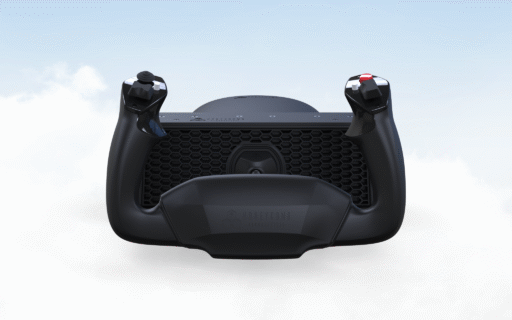
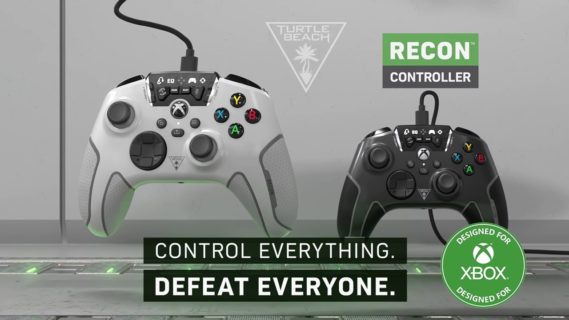
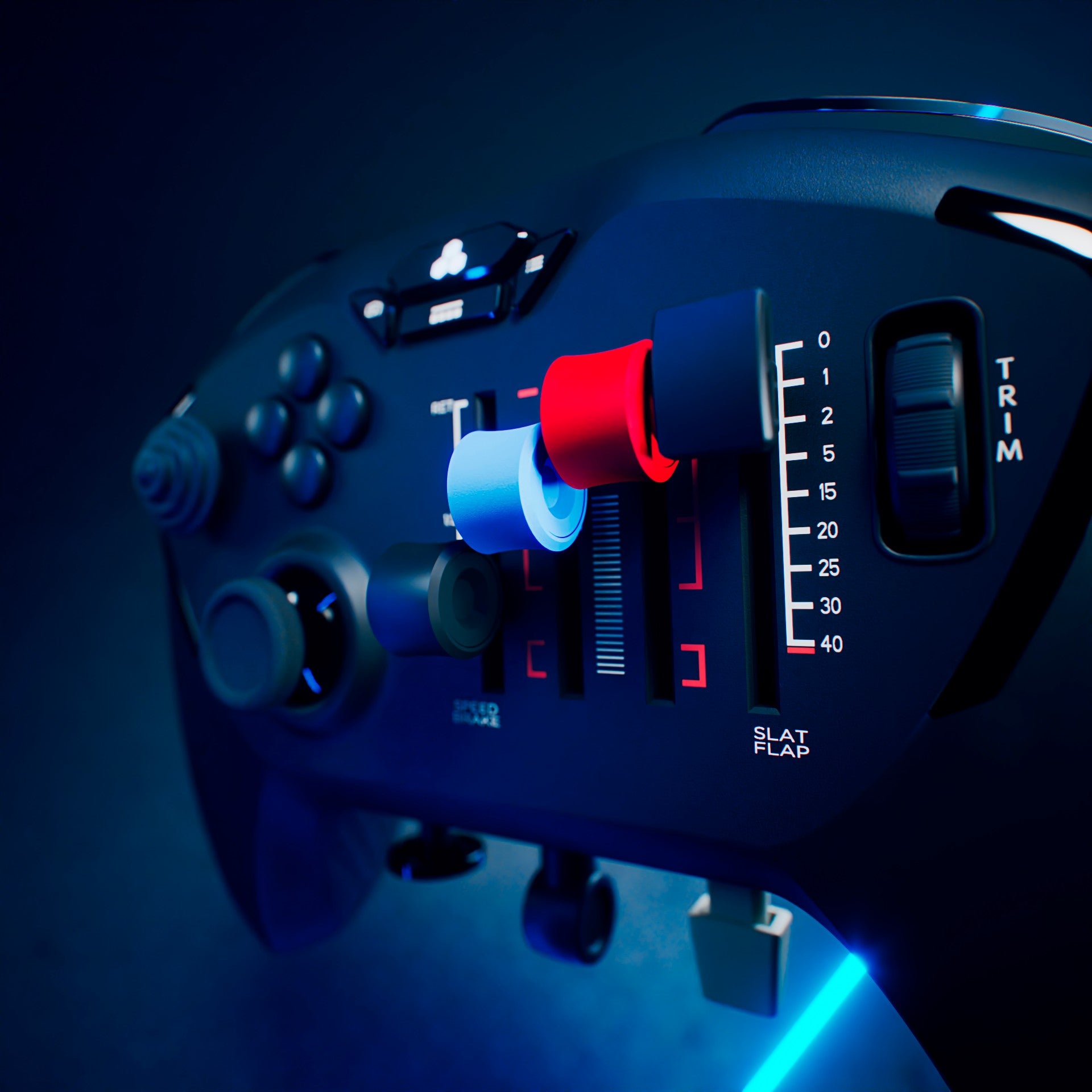

Flight simulation has always been an expensive, desk-devouring hobby. If you wanted the full experience, you were looking at a massive yoke, a heavy throttle quadrant, and a set of rudder pedals that essentially required you to renovate your office space. But as the genre expands, there’s a growing need for something that sits between the standard Xbox gamepad and a full-blown cockpit replica. This is where the Honeycomb Aeronautical Echo Aviation Controller comes in. This isn’t a gimmick, Honeycomb has shrunk an entire flight deck and put it in your palms, which works incredibly well, but not without some turbulence.
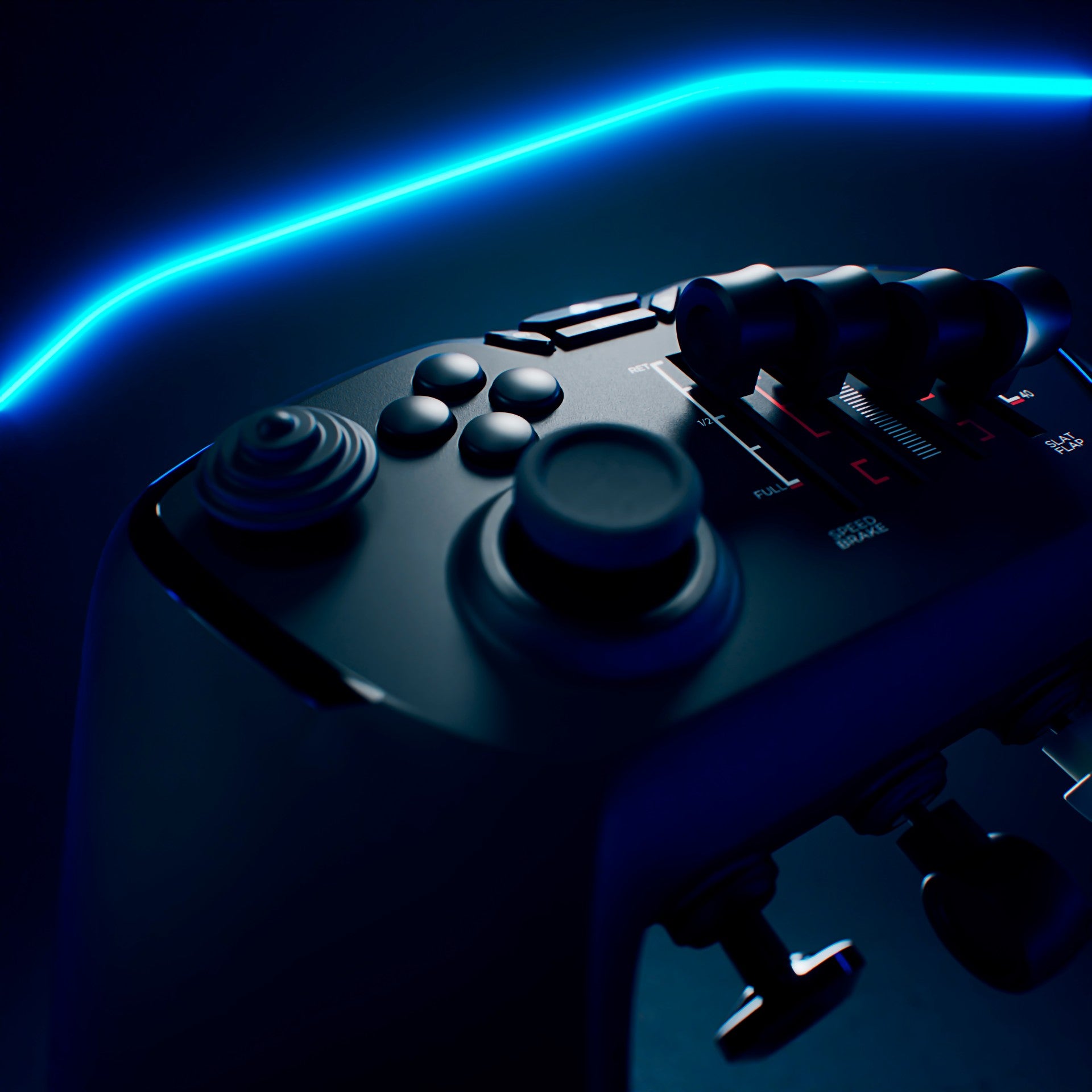
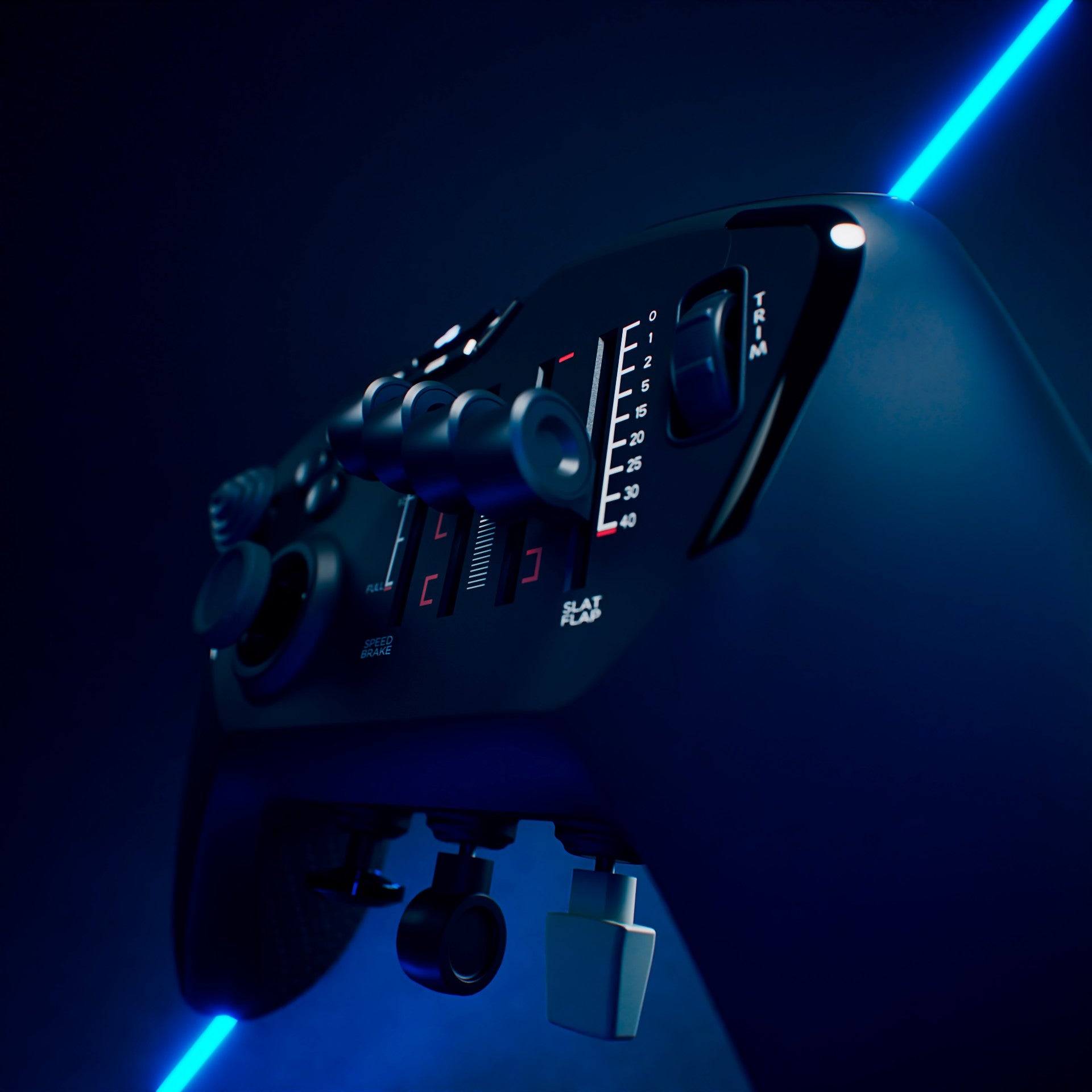
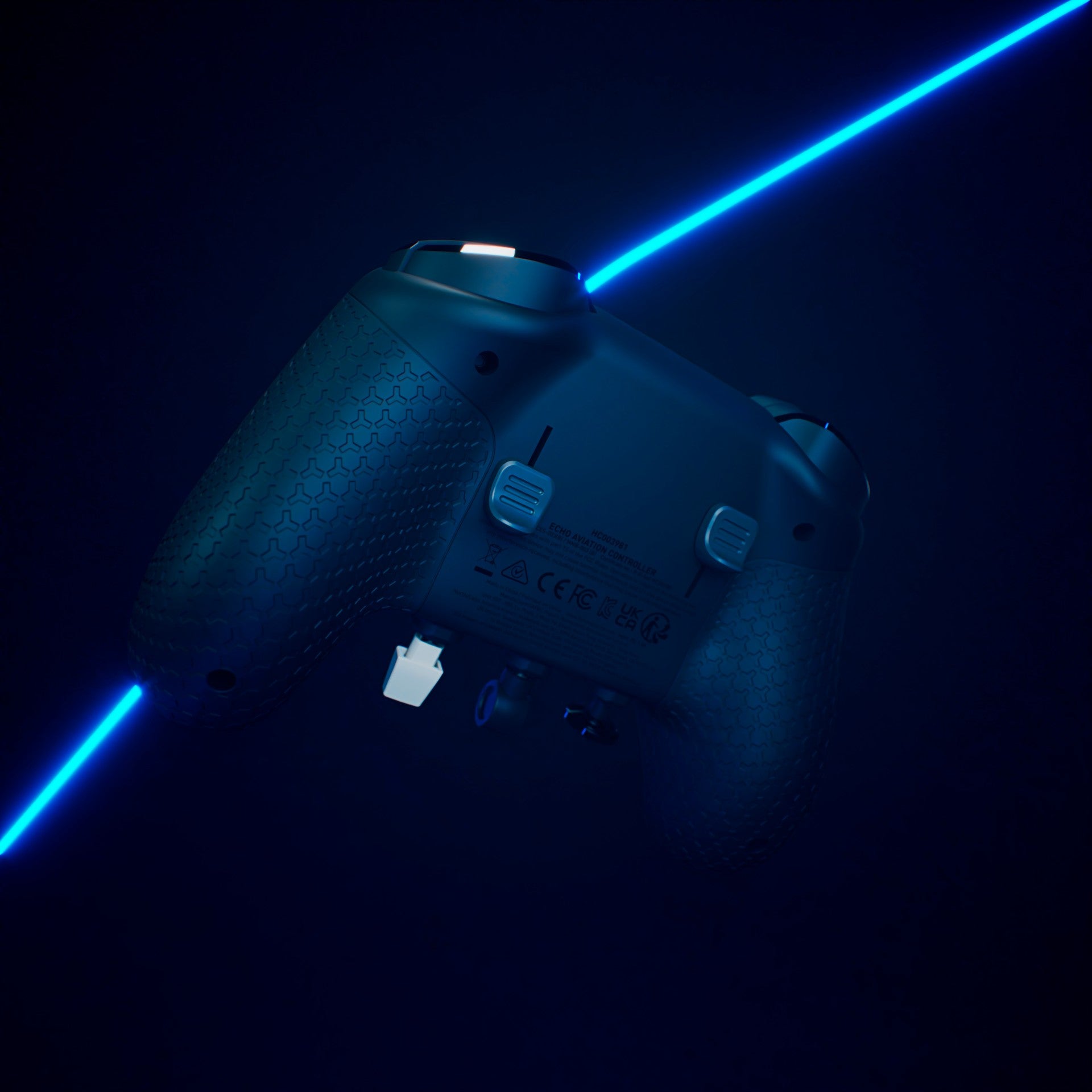
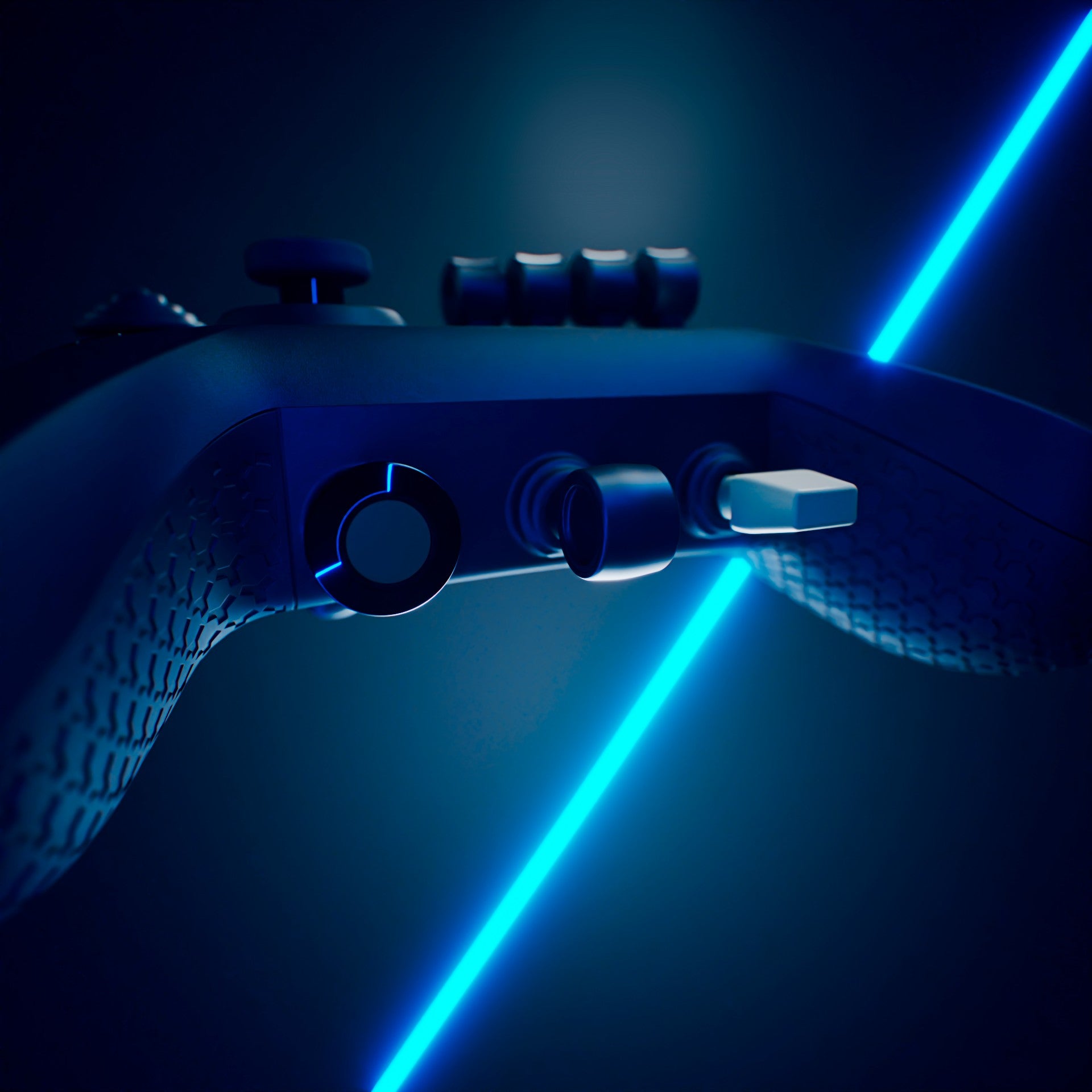
The first thing you notice when unboxing the Echo – which comes in a premium hard shell case that Indiana Jones could hide in for safety from a nuclear blast, is the completely unique design and layout. Honeycomb has managed to integrate 16-bit Hall-effect thumbsticks, four analog sliders, a dedicated pitch trim wheel, and even mechanically linked rudder paddles on the underside.
In practice, this is a revelation for “couch pilots.” Usually, playing Microsoft Flight Simulator 2024 with a standard controller involves a lot of “flick-and-pray” with the triggers to manage the rudder, or holding down modifiers to adjust flaps. The Echo eliminates that friction. Moving the rudder with the underside paddles feels natural and provides a level of coordinated turn precision that you simply cannot get from a standard gamepad. Whether I was wrestling a Cessna through a crosswind landing or trying to keep a helicopter from spinning into a vortex, the 16-bit Hall-Effect sensors provided a drift-free, smooth response that made me forget I wasn’t using a full-sized flight stick.
What separates the Echo from its competitors, like the Yawman Arrow, is the tactile feedback of the Bravo sliders. These four sliders occupy the space where a right thumbstick usually sits. They come with interchangeable caps, where blue is used for props, red for mixture, black or white for Boeing-style throttles. You can leave them their default black for a cleaner, subdued look. But the fact that Honeycomb allow you to setup the sliders to match the aircraft you’re flying is a nice touch. The detents on these sliders are crisp, as you’ll feel that “click” as you pull back into a reverse thrust or move into an idle gate adds a layer of immersion that is often missing from mobile or handheld setups.
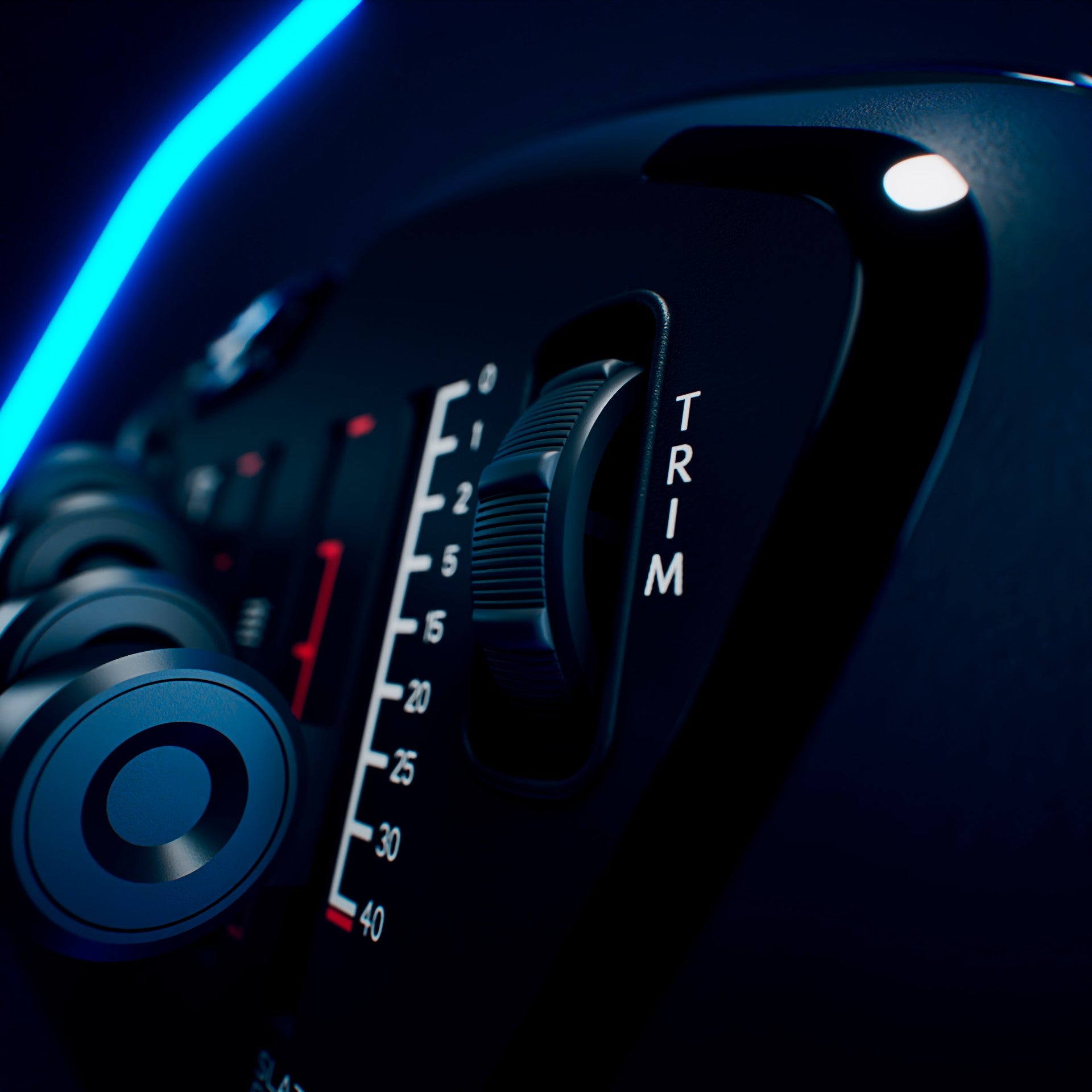
Below these sliders sit dedicated toggles for your landing gear and flaps. There is something deeply satisfying about flicking a physical switch to drop the gear as you approach the runway at Denver International Airport; it’s a tactile loop that reinforces the “simulation” aspect of the game. The integrated trim wheel on the right side is another winner. In flight sims, trim is everything. On a standard controller, it’s often mapped to a D-pad, which feels binary and jerky. The Echo’s textured wheel allows for those minute, “set it and forget it” adjustments that keep your nose level during a long haul over the Atlantic.
However, cramming an entire Alpha, Bravo, and Charlie setup into a handheld form factor necessitates some compromises. The most glaring issue is the placement of the 8-way hat switch. It’s tucked onto the left side, near the thumbstick. Because the right side of the controller is dominated by the sliders, you’re forced into a bit of claw grip of sports, with this odd thumb-stretching if you want to look around the cockpit while simultaneously banking the aircraft. It’s definitely awkward to shift everything left of center like this. It’s an bizarre design choice that takes a few hours to convert into muscle memory.
Additionally, the software side of things is currently a bit of a “do-it-yourself” project. Because there’s no software. There’s drivers to update the dongle which brings fixes. And there are profiles you can download from Honeycomb, but they are only for Microsoft Flight Simulator 2024, and are somewhat basic. And you have to manually load different xml profiles for a few types of aircraft to get the ideal controls. When it comes to other games like X-Plane 12 or DCS, expect to spend your first hour in the controls section of the menu setting it up. Other flight sims not having profiles or requiring configuration is not new nor is it a dealbreaker. But if you’re the aforementioned newcomer to the genre and trying hardware, this is asking a lot of you for a $150 device. For the first time, I would have liked a piece of software to help with multiple setups over many games being supported.
I’m not fond of its limited compatibility, both in games and hardware. Right now this only works with Microsoft Flight Simulator 2024 and specialized profiles, getting t his to work with other games is a bear. Not only that, but as it stands right now, only works on PC and will be compatible with Xbox later this year.
On the technical side, the 1200 mAh battery is rated for 15 hours. In my testing, that held up well, easily covering a few evenings of regional hops and one long-tail flight where I mostly let the autopilot do the work while I admired the sunset over the Alps. The 2.4 GHz wireless connection was rock solid with no discernible latency, though the option to go wired via USB-C is a welcome inclusion for those of us who still have “latency anxiety” and don’t want to deal with a battery. The build quality is fantastic for my first time with Honeycomb. It’s got a “premium” feel to it, without much heft, weighing in about 0.64 pounds. The rubberized grips are comfortable for long sessions, and the overall durability feels like it could survive a few accidental drops (though with the included case, you shouldn’t have to worry about that).
If you have a dedicated flight sim rig with a $500 yoke and pedals, this controller isn’t meant to replace that. While the pricing is a bit high for an entry point, this is a great transitional device for aspirational pilots who don’t want to commit to a full setup, those on the go or while inside the cabin of the plane flying to their destination. It has a few shortcomings when it comes to some of its design and lack of support, but Honeycomb has shown that they understand the soul of flight simulation. The Echo Aviation Controller is a small but mighty controller that doesn’t take up any unnecessary space to be an ambitious handheld flight controller that aims high and doesn’t disappoint.