
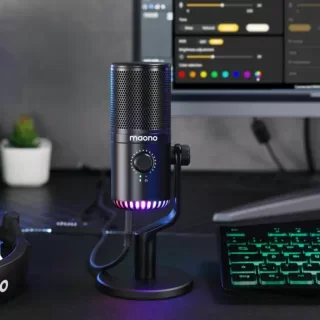
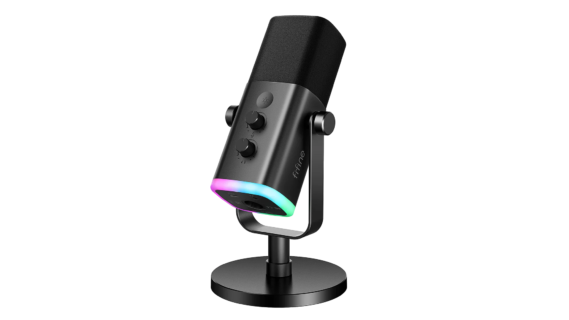
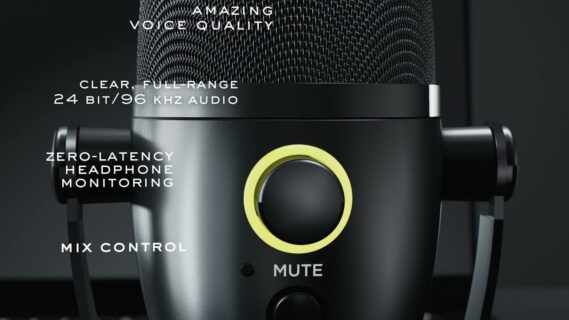
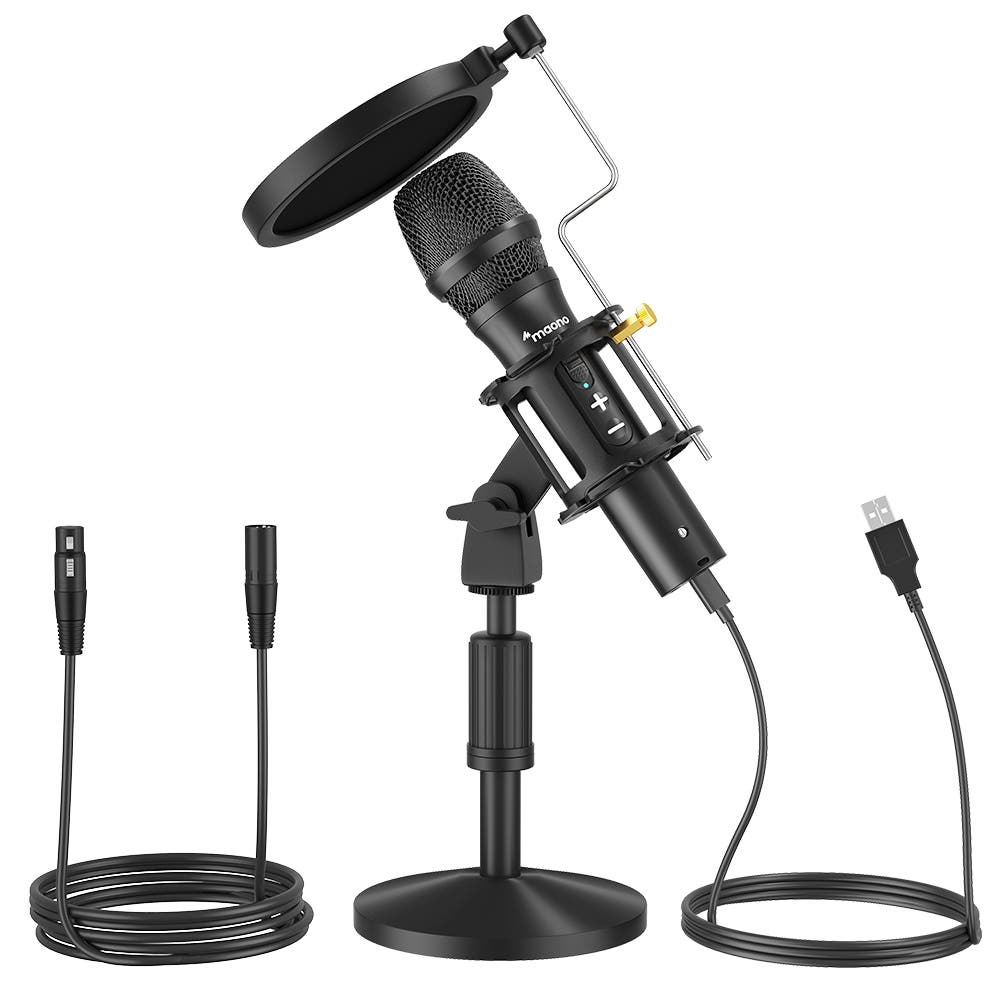
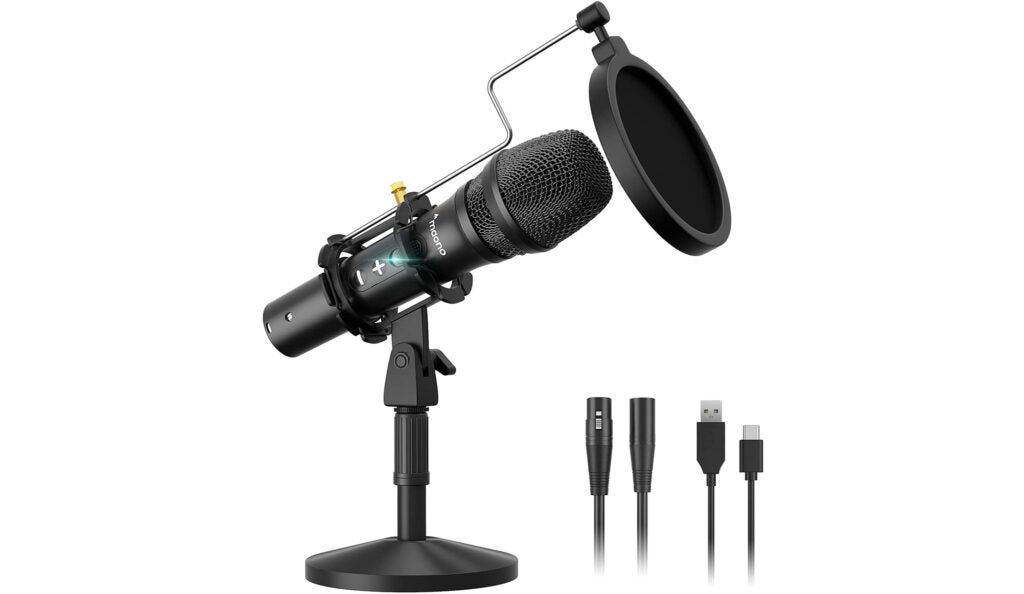

It’s not often you find budget-priced items that work on par with more mainstream equipment. The Maono AU-HD300T Cardioid Mic is one such example of this diamond in the rough. With excellent sound, an inexpensive cost, and just about everything you need in the box, Maono makes this a deal that is hard to pass up.
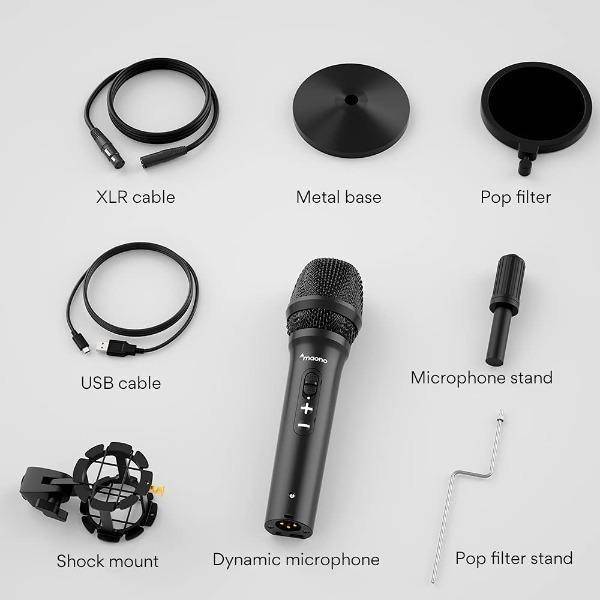
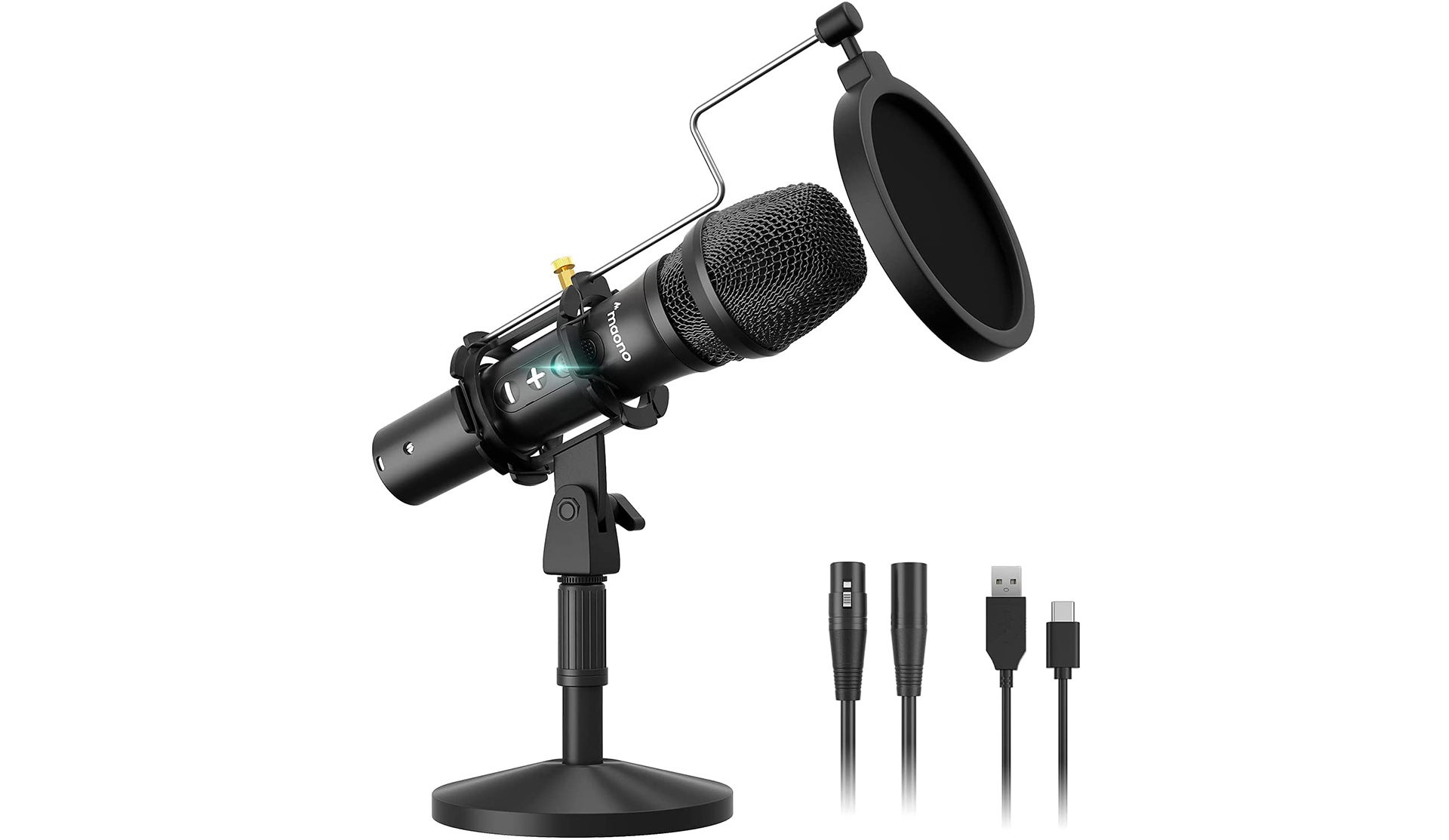
So what do you get in the box? Well, other than the mic, they toss in a pop filter, a sound-isolating mount, an adjustable weighted desk stand, and they even packaged some XLR and USB cables for you. The mic itself is designed in that iconic handheld style, and if you decide to use the mic as a handheld, it works wonderfully. The downside to handheld, though, is that there are volume buttons on the side of the unit for controlling your PC’s audio, more on that later, so you may want to turn them to face you.
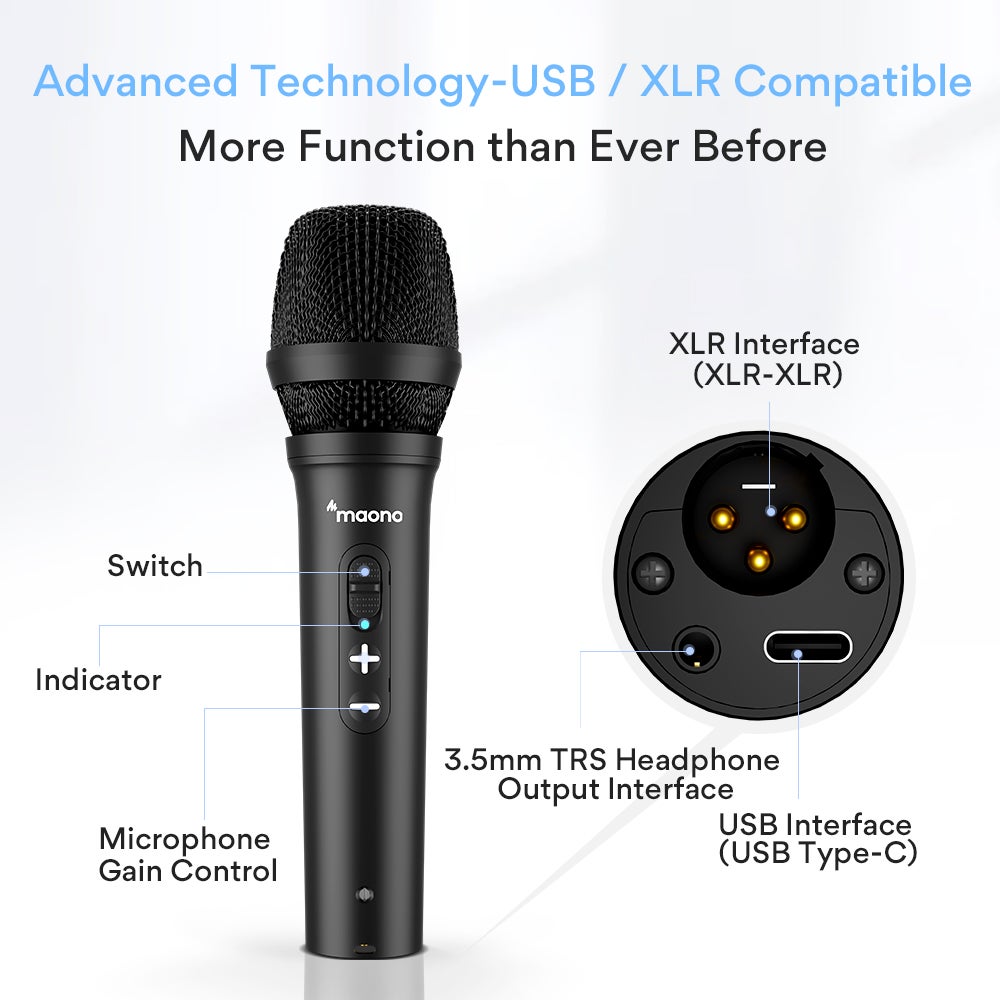
But how often are any of us using a handheld mic handheld while streaming or podcasting? The Maono will get you that pro sound that you’re looking for in any self-recording scenario. As good as the mic is, the included sound-isolating mount and pop screen are welcomed additions and, honestly, much needed for any recording setup. The sound-isolating mount can screw into the weighted base if you want to use the mic as a desk unit, but you can unscrew a brass inlet inside the holder to mount to something like a mic arm. I have mine connected to an older boom-mic stand, and the sound isolating mount has come in handy for when I accidentally bump the stand with my foot.
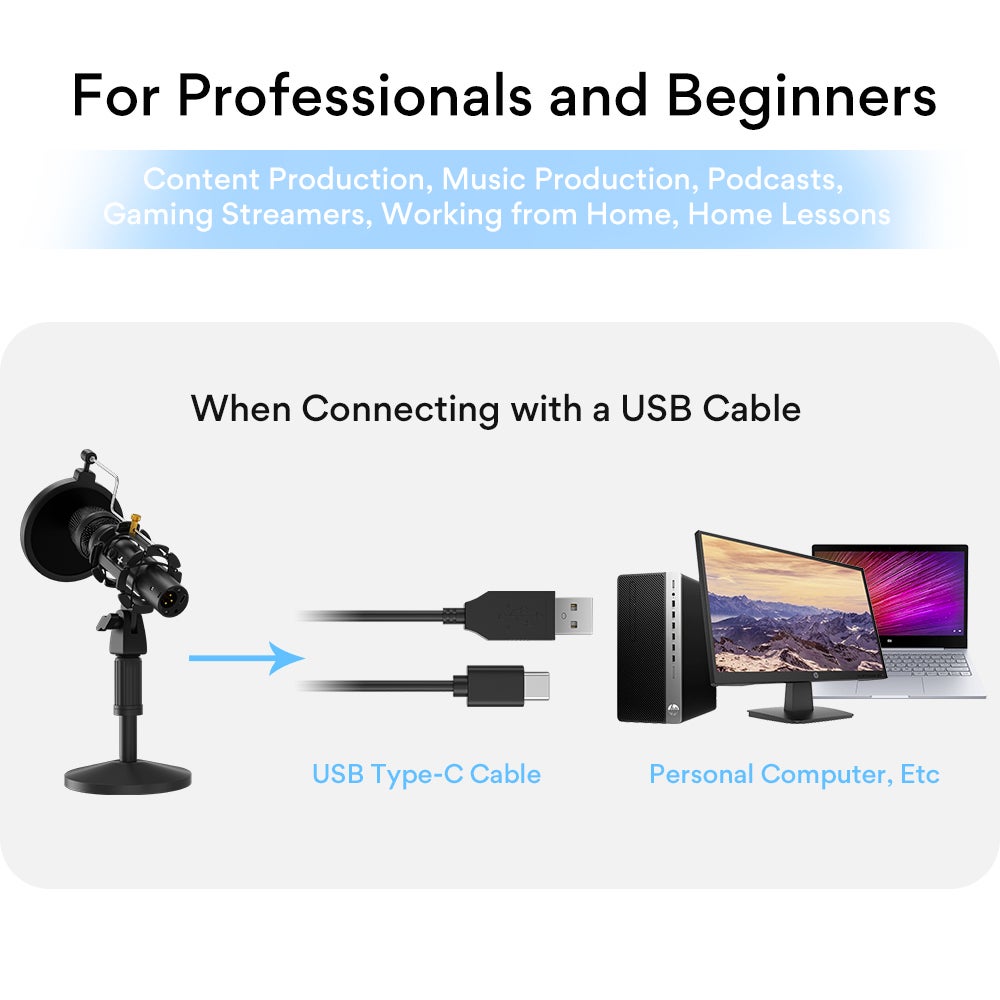
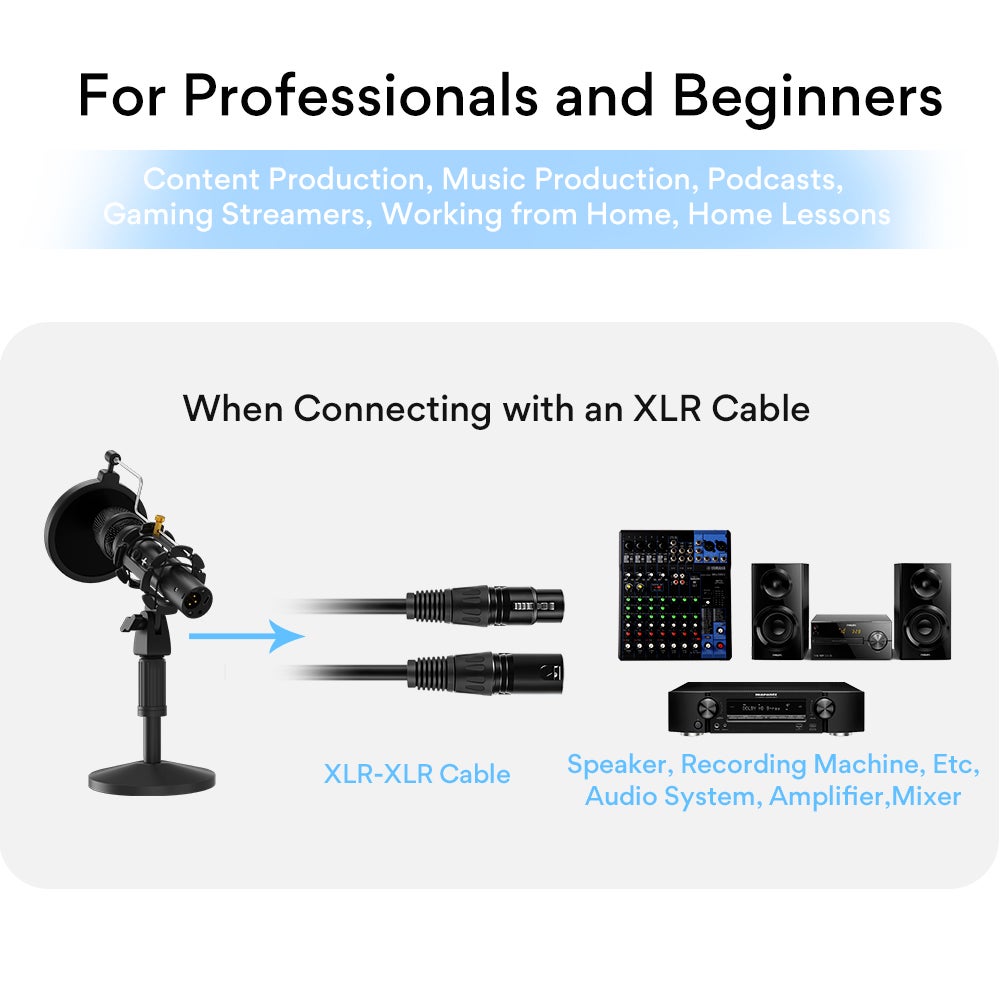
The setup is a breeze, whether you use the desk stand or not. You place the unit into the sound-isolating bands and screw it onto your mount of choice. The pop screen uses a brass screw and metal arm to hold the filter out front of the mic. The metal arm has quite a long shaft, so you’re able to adjust the filter to your specifications. If you plug the unit by XLR into a mixing board, it’ll work as any other XLR mic but plug it via USB into your PC, and it just works; no additional software is needed. I believe a basic form of software to assign functionality to the volume buttons would have been beneficial as those buttons only control the PC’s volume. When I first saw them, I thought they were going to control the mic’s volume or, at least, the volume of your monitor going into the headset. Unfortunately, it will do neither of those.